Faster previs and set dressing for animation
Previs, storyboard and layout artists use threeD to get from script to a blocked-out scene quickly, with props and stand-in characters that can be replaced later.
Blocking out a shot
- 1
Break down the script
List the props and set pieces the shot needs and generate previews for each. - 2
Rig stand-ins
Auto-rig placeholder characters so they can be posed and moved in layout. - 3
Hand off
Export FBX into Maya, Blender or Unreal; swap in final assets as they arrive.
Previs that looks closer to the final film
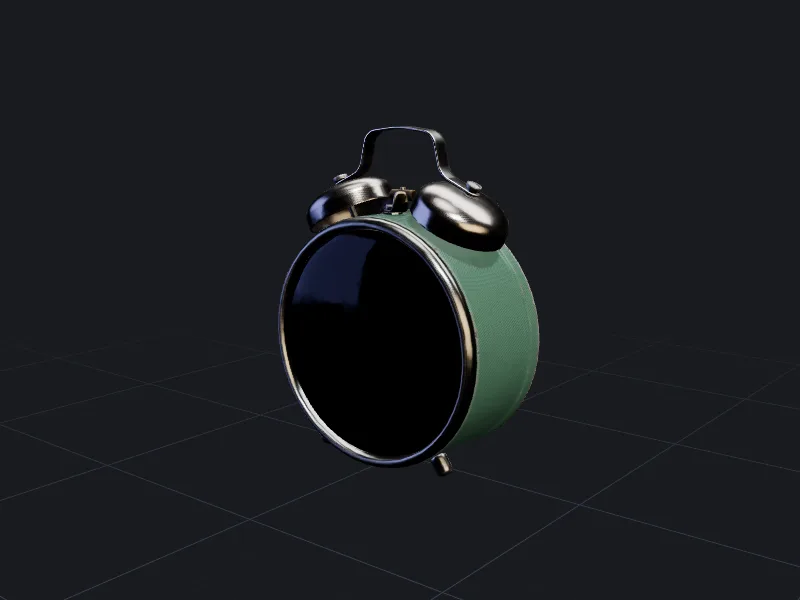
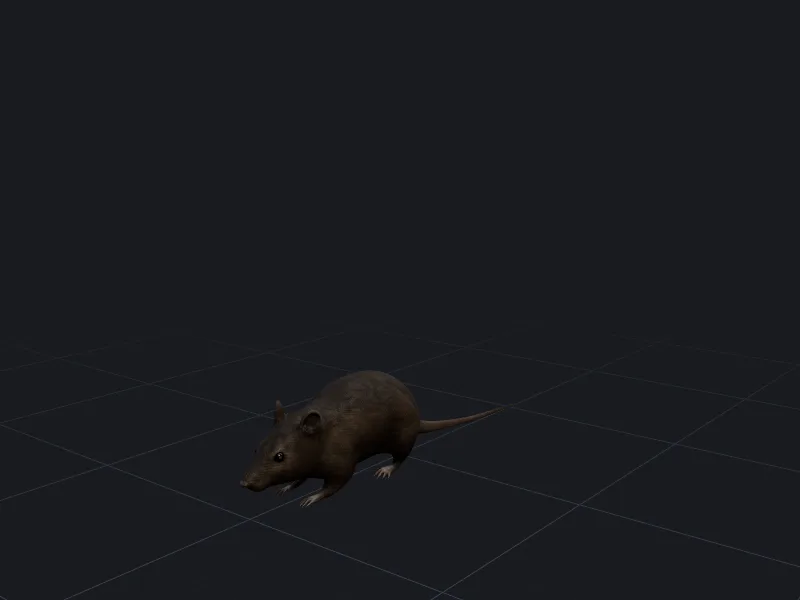
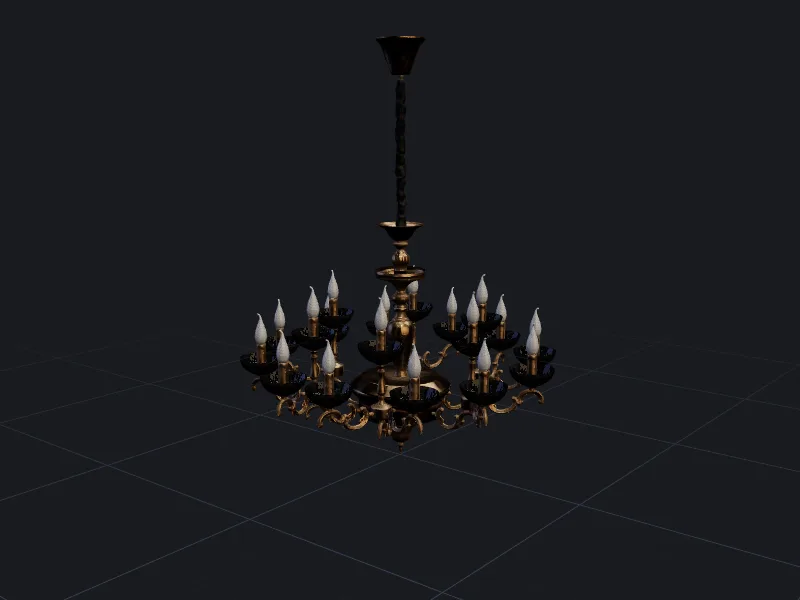
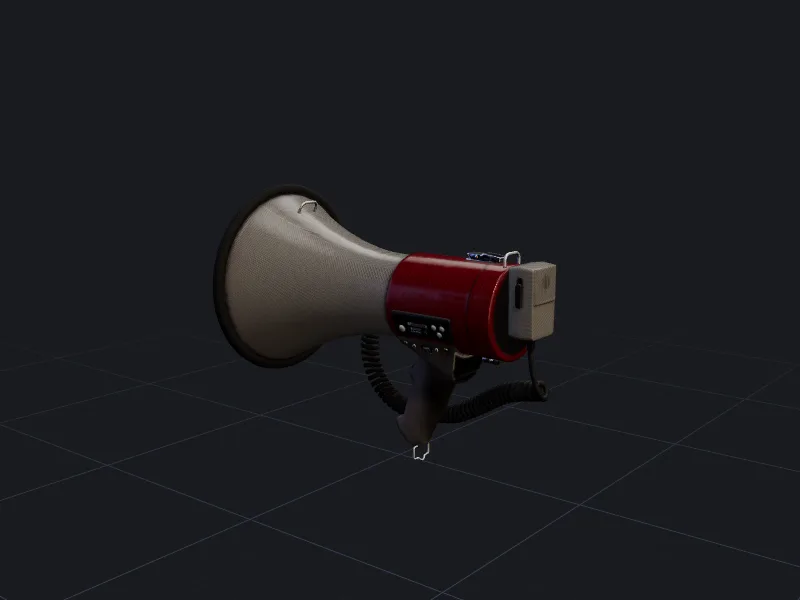
Grey boxes communicate blocking but not mood. Textured stand-ins, even rough ones, help directors and clients read a shot. Because previews cost few credits, you can generate the whole prop list for a sequence and only refine the pieces that the camera actually lingers on.
Set dressing for virtual production
Background props on an LED wall are seen at a distance and slightly out of focus. That is a forgiving place for generated assets. Keep hero props, which the camera sees up close, in the hands of your asset team, and use generation for the long tail of background detail.
Fitting into an existing pipeline
Exports use standard formats and real-world units, so they drop into Maya, Blender, Houdini or Unreal without custom importers. Name your generations in the studio before export; the name carries into the file and keeps your scene outliner readable. The API can batch-generate a whole prop list from a spreadsheet.
Questions people ask
Is the quality good enough for final renders?
Can I export USD?
Other ways teams use threeD
Make your first model in the studio
Every plan includes all the tools, commercial rights and every export format. Cancel any time.