Auto-rig a character and watch it move
Upload or generate a character, mark a few joints if asked, and threeD builds a skeleton with skin weights. Preview it with walk, run, idle and gesture clips, then export to your engine.
- Joints (pivot points)
- Bones (parent to child)
A simplified rig preview. Real auto-rigging places about 20 to 65 bones depending on whether fingers and face are included, and paints skin weights so the mesh bends smoothly at each joint.
How auto-rigging works
- 1
Check the pose
T-pose or A-pose, facing forward, arms clear of the body. threeD warns you if the pose will cause problems. - 2
Place joints
Joints are detected automatically. For unusual body shapes, drag the chin, wrists, elbows, knees and groin markers into place. - 3
Preview and export
Try the included clips, then export with the skeleton and animation embedded in FBX or GLB.
Skeletons that engines recognise
Bone names and hierarchy follow common humanoid conventions, so the rig maps onto Unity’s Humanoid avatar and Unreal Engine’s retargeting tools without renaming. That lets you reuse animation libraries you already own instead of relying only on the included clips.
| Rig type | Bones | Good for |
|---|---|---|
| Humanoid basic | About 22 | Crowds, mobile games, quick previs |
| Humanoid with fingers | About 52 | Characters that hold props or gesture |
| Quadruped | About 30 | Dogs, horses, creatures on four legs |
Why the starting pose matters
Auto-rigging works out which part of the mesh belongs to which bone. When arms touch the body or legs touch each other, the tool cannot tell them apart, and skin weights bleed: a raised arm drags part of the torso with it.
If you are generating the character with text to 3D, add “T-pose, arms out, legs apart” to the prompt. For image input, use concept art drawn in that pose.
Included animation clips
Every rig comes with a small starter set: idle, walk, run, jump, wave and a few combat moves. They are designed for testing deformation and blocking out gameplay, not as final animation. For production, retarget motion capture or hand-keyed animation onto the rig in your engine or DCC tool.
What auto-rigging does not handle yet
- Facial rigs and blend shapes for lip sync.
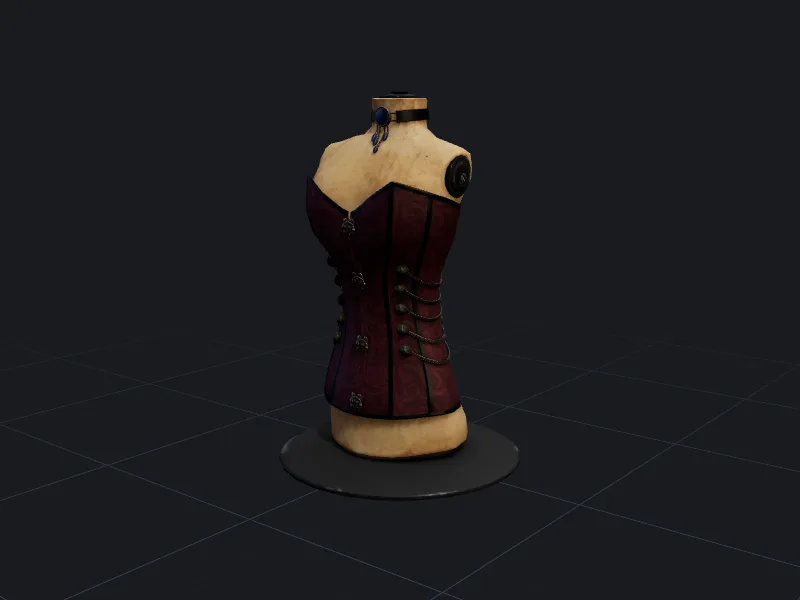
- Loose clothing, capes and long hair, which need physics or extra bones. Fitted wearables like the corset sample are easier because they follow the body.
- Characters with more than four limbs or very unusual proportions.
- Mechanical rigs where parts rotate rather than bend.
Questions people ask
Can I use Mixamo or other animations on a threeD rig?
Why does the mesh stretch at the shoulders?
Can I rig a model I did not make with threeD?
Make your first model in the studio
Every plan includes all the tools, commercial rights and every export format. Cancel any time.