AI texturing for meshes you already have
Bring a model from Blender, a scan, a kitbash or a threeD generation. Describe the surface in words or with a reference image, and get a full PBR texture set painted to its UVs.
The normal map stays the same in every preset, which is why the dents and seams survive a material swap. AI texturing works the same way: shape detail and surface paint are separate maps.
How AI texturing works
- 1
Upload a mesh
GLB, FBX or OBJ. If the model has no UVs, or overlapping ones, threeD unwraps it automatically first. - 2
Describe the surface
“Oxidised copper with green patina in the crevices”, or attach an image whose style should be matched. - 3
Review and keep
Compare variations side by side, then export maps alone or the textured model in one file.
What you get: a complete PBR set, not a painted picture
Physically based rendering (PBR) splits a surface into maps that each describe one property. Engines combine them under their own lighting, which is why a PBR asset looks right in a sunny level and a dark one. threeD outputs the metallic-roughness workflow used by glTF, Unity URP/HDRP, Unreal Engine and Blender:
| Map | What it controls |
|---|---|
| Base colour | The surface colour with no lighting or shadow baked in |
| Roughness | How blurry reflections are, from mirror (0) to chalk (1) |
| Metallic | Whether the surface reflects like metal or like paint, plastic and wood |
| Normal | Small bumps, seams and scratches without adding geometry |
| Ambient occlusion (optional) | Soft contact shadows in creases |
New to these maps? PBR texture maps explained covers each one with examples.
One mesh, many variations
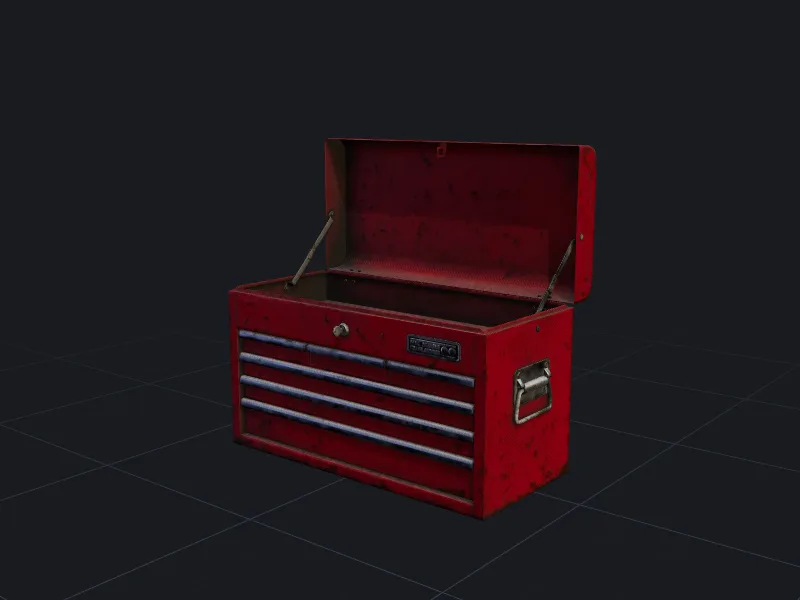
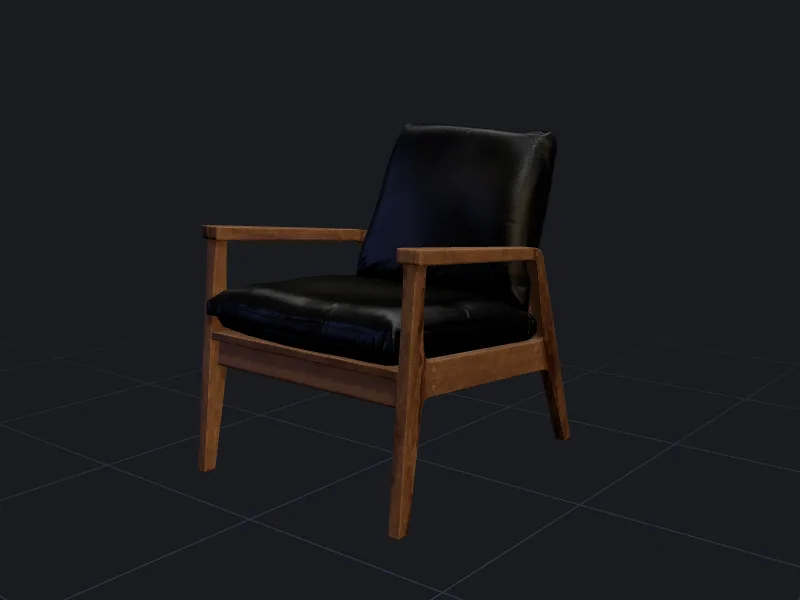
Texturing is the cheapest way to get variety. A single crate, sword or chair can become a whole set: clean and damaged, painted and bare, four faction colours. Each variation costs 10 credits and keeps the same geometry and UVs, so they all share one LOD chain and one collision mesh in your engine.
Use region locks to keep part of an existing texture, such as a logo or a hand-painted face, and only regenerate the rest.
Models without good UVs
Scans and many generated models have fragmented or overlapping UVs. Before painting, threeD checks for overlaps and texel-density problems. If it finds them it creates a fresh unwrap and tells you, so you are not surprised when the exported UV layout differs from the one you uploaded. If you need to keep your own UVs exactly, turn on Preserve UVs; overlapping islands will then share paint. New to UVs? Read UV unwrapping explained.
Realistic, stylised and hand-painted looks
The default style is realistic PBR. For stylised games pick hand-painted, which bakes soft lighting gradients into the base colour and keeps roughness flat, the way many mobile and MMO art styles work. Toon produces flat colour regions that suit cel-shading. Whatever the style, the export still uses standard map slots so it imports without custom shaders.
Questions people ask
Can I texture a model I made in Blender?
Does it work with Substance or Unreal material setups?
Why does my texture show lighting or shadows?
Can I keep my existing logo or decal?
Make your first model in the studio
Every plan includes all the tools, commercial rights and every export format. Cancel any time.